Connecting Salesforce to Stiddle enables attribution at the company, opportunity, and individual level. This is extremely valuable for understanding how many opportunities are open, closed-won, or closed-lost across each marketing channel. Beyond channel attribution, Stiddle helps you understand which sales reps are responsible for closing deals and which marketing channels are generating leads—ensuring both teams receive credit where it’s due. Stiddle also provides deep insights into sales performance, as all Salesforce data is synced both retroactively and in real time. Once connected, teams can build powerful reports, dashboards, and even activate audiences directly within Stiddle using Salesforce data.

Connecting Salesforce to Stiddle

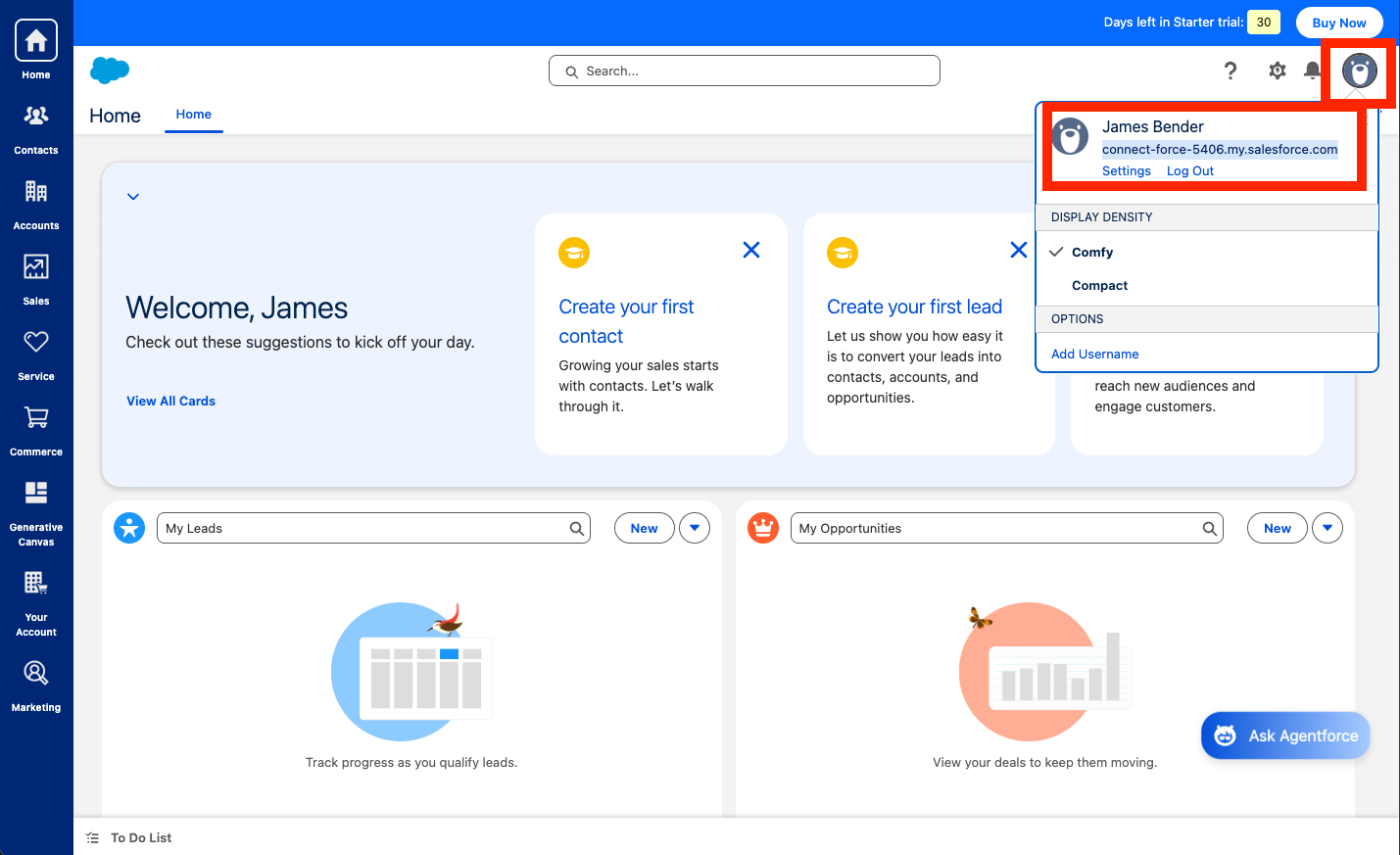
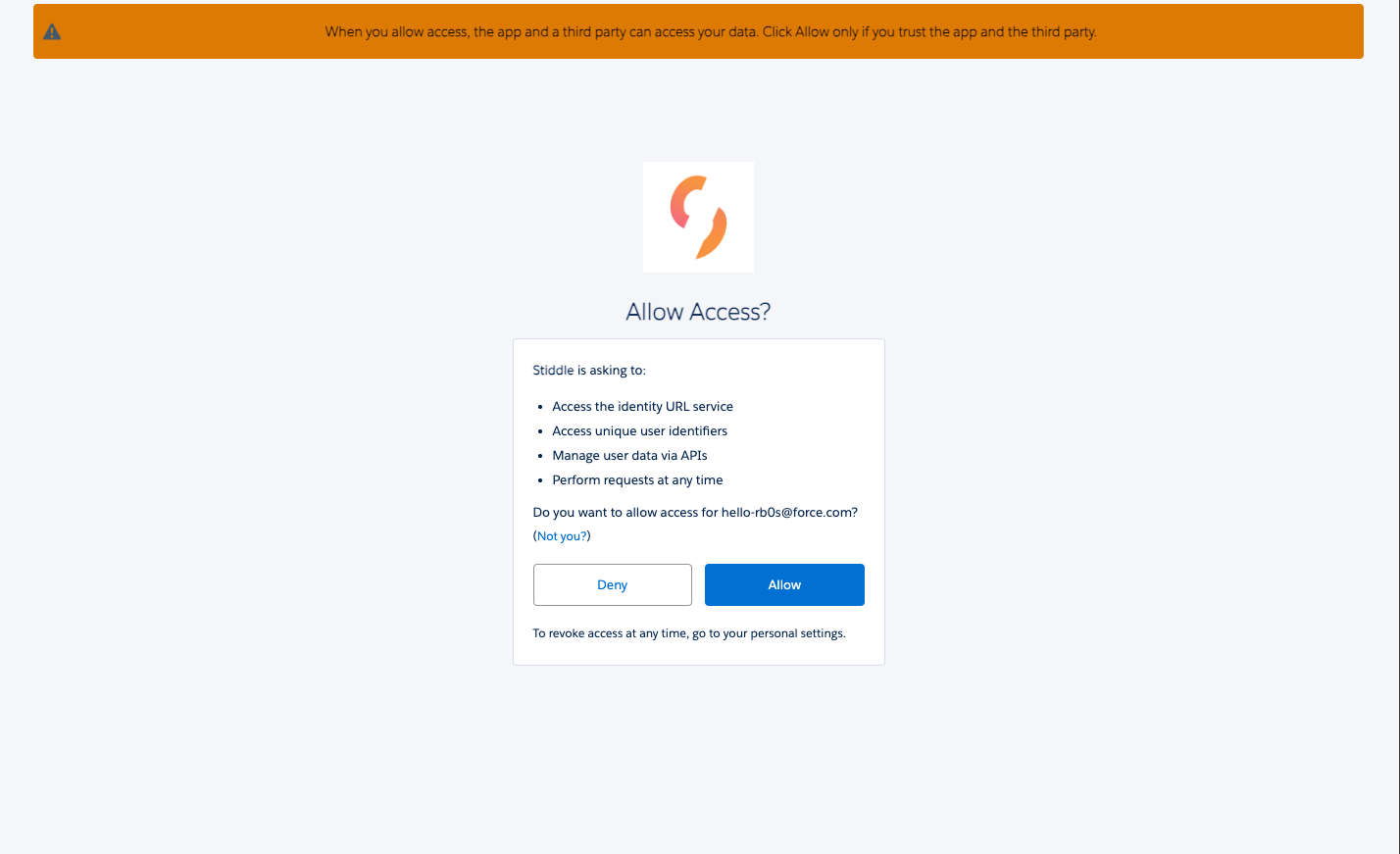
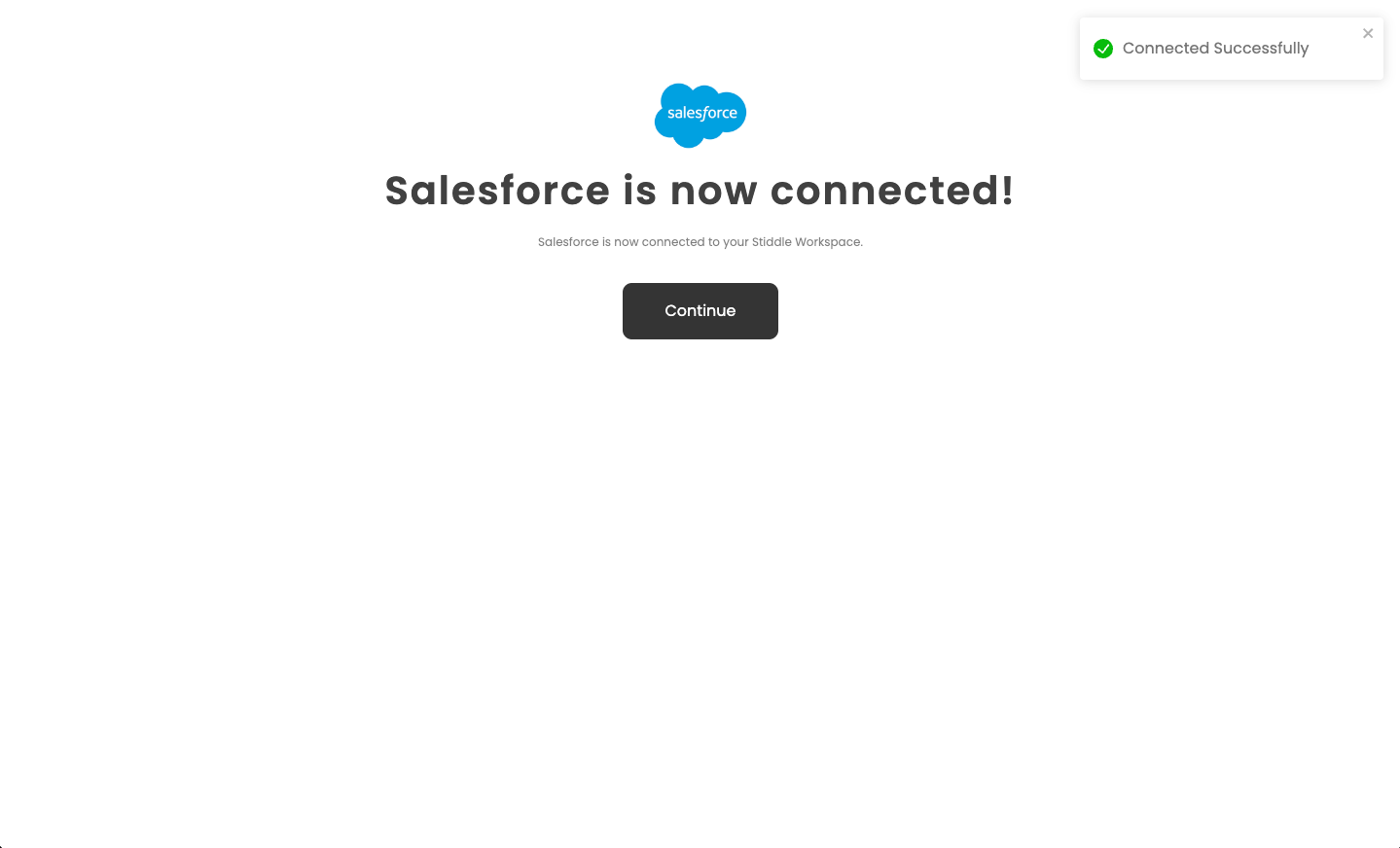
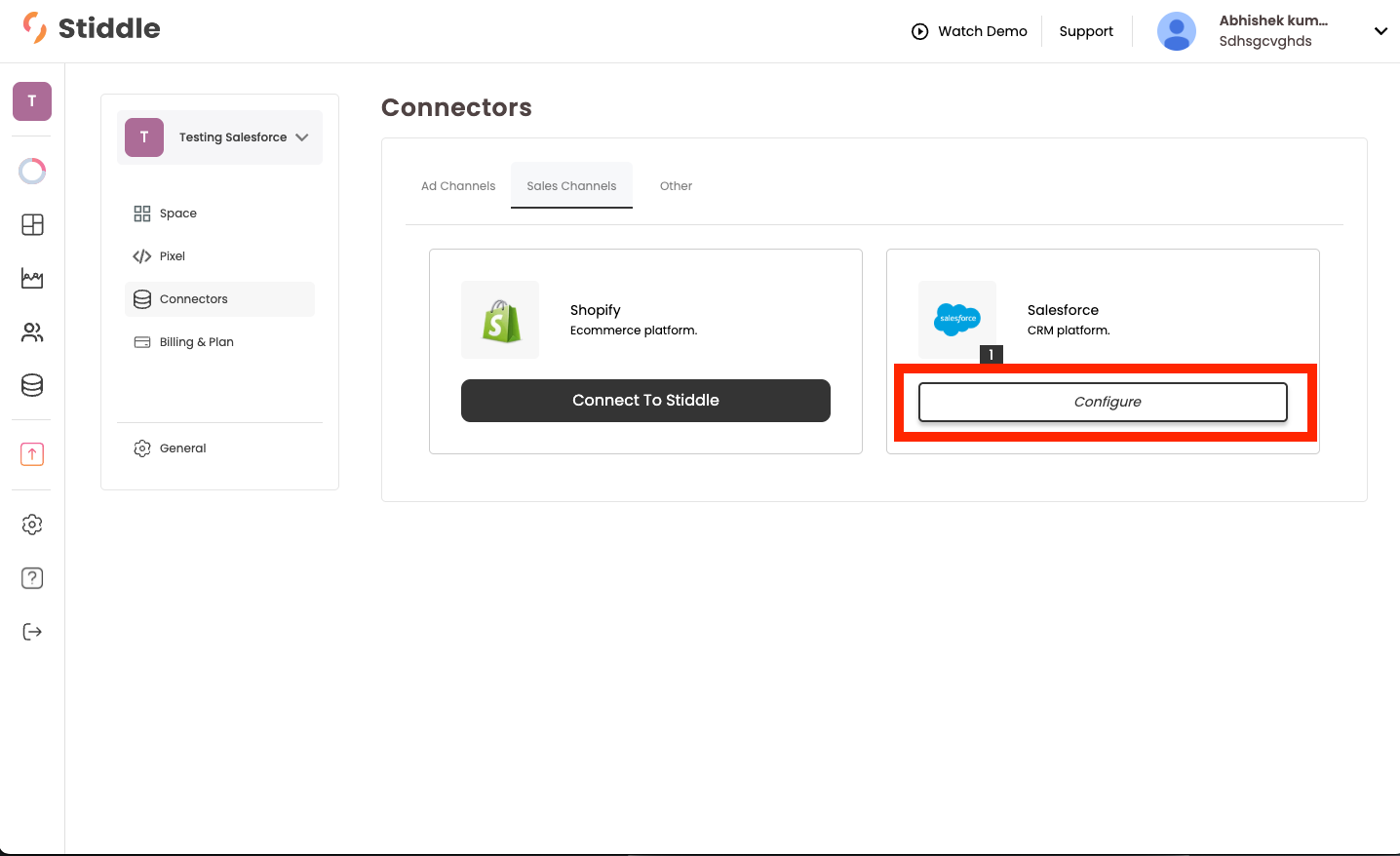
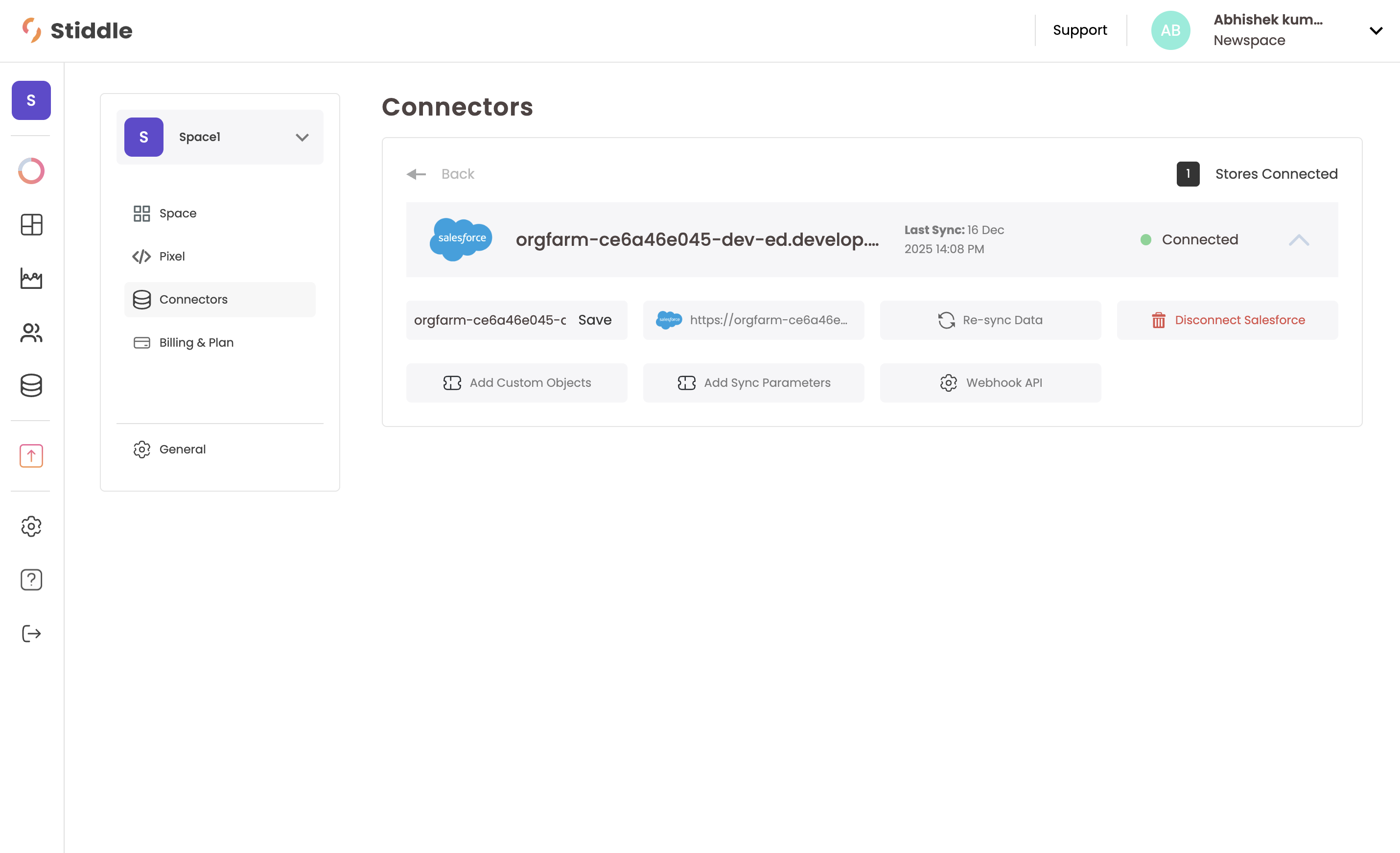
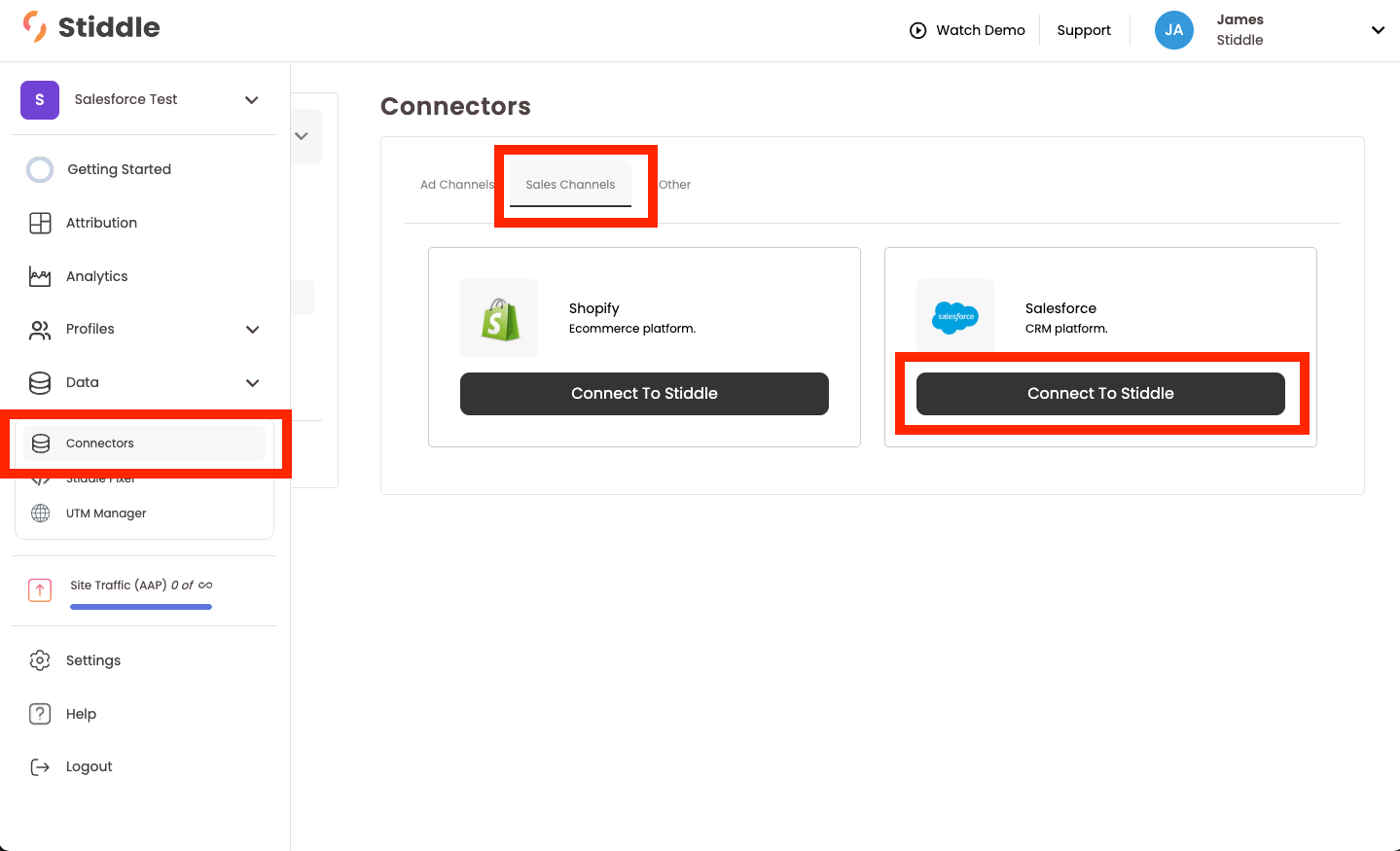
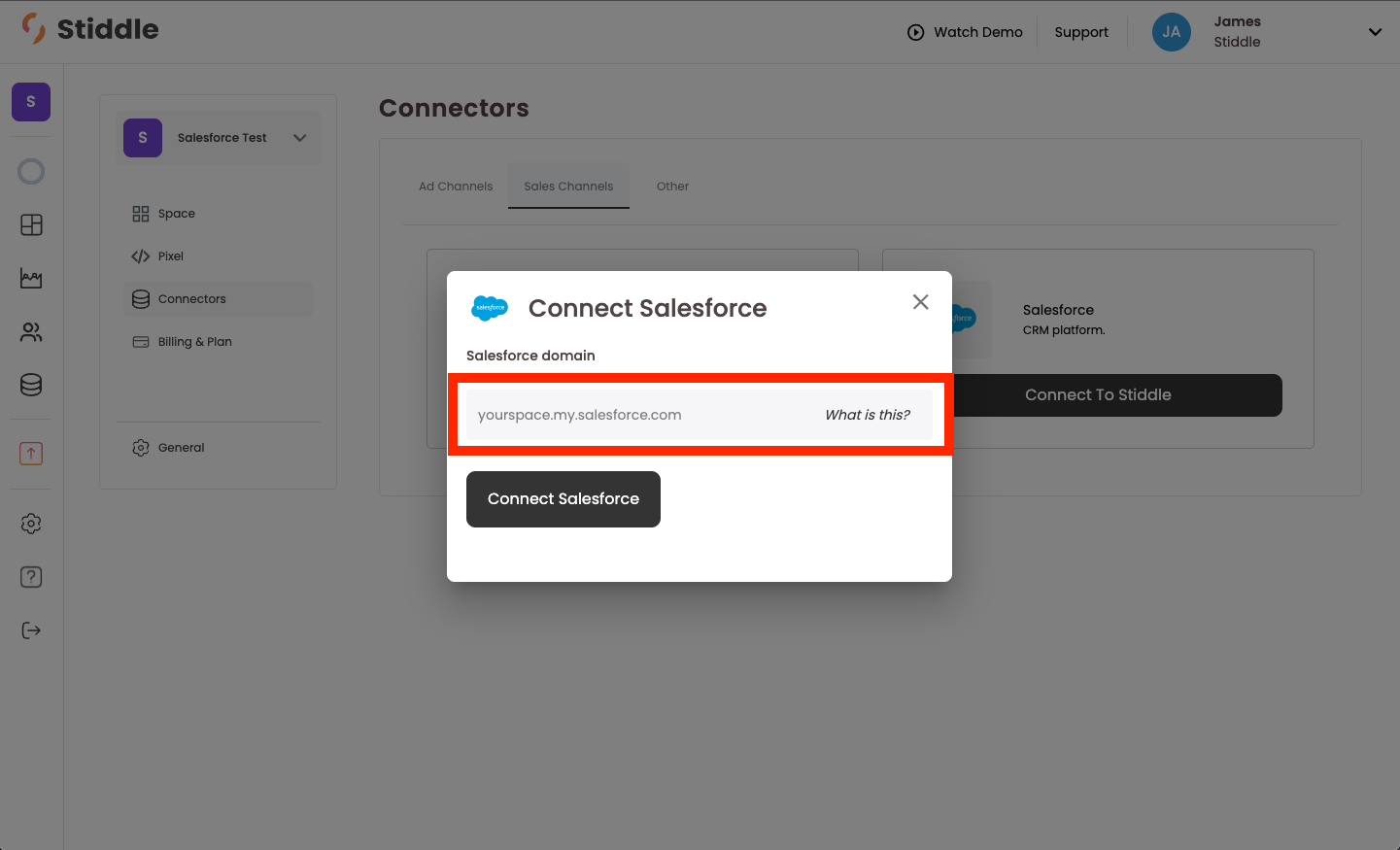
Navigate to “Connectors” and select “Sales Channels”. Find “Salesforce” and select “Connect to Stiddle”. Screenshot2025 10 08at10 22 28AM You’ll then be prompted to enter your Salesforce instance domain. To find this, follow the next step below. Screenshot2025 10 08at10 22 51AM Login to your Salesforce account, select your profile icon in the top right corner. Then copy the URL that’s below your account name. Screenshot2025 10 08at10 23 06AM Once you copy the URL, paste it back into Stiddle. Then you’ll be prompted to verfiy connection in Salesforce. Screenshot2025 10 08at10 23 34AM You’ll see that you’re now connected to Salesforce in Stiddle. Screenshot2025 10 08at12 39 50PM Next, select “Configure” under the “Salesforce” connector in Stiddle. Screenshot2025 10 08at12 40 12PM In the connector settings for Salesforce you’ll see several options to configure the integrations. Screenshot2025 12 23at5 06 47PM For example, you’ll notice you have the ability to do the following: Add Custom Objects
Adding custom object parameters allows you to create custom conversion goals in Stiddle based on Salesforce objects that match a specific parameter value. For more information, please contact Stiddle Support.
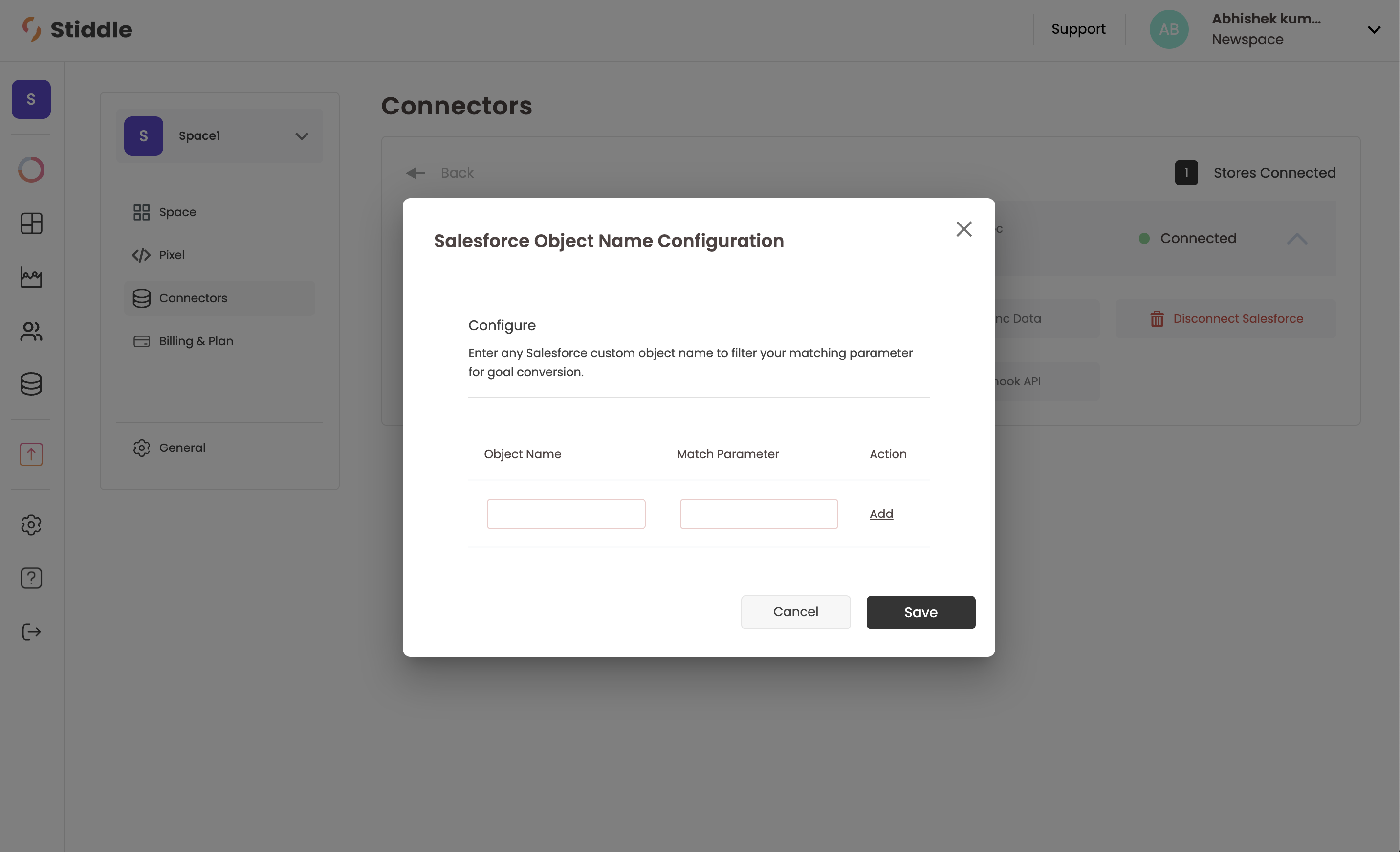
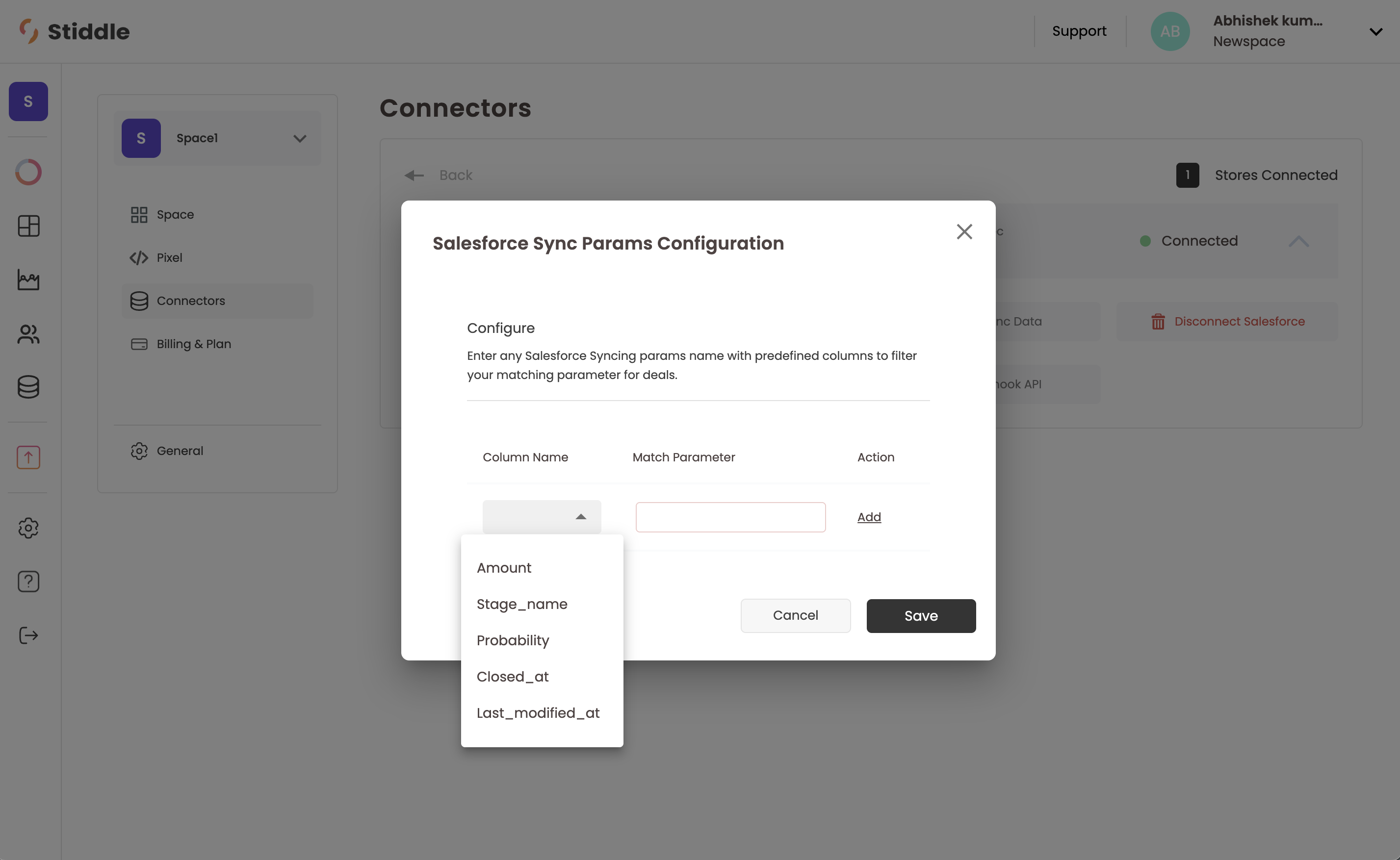
Screenshot2025 12 23at5 23 53PM Add Sync Parameters
Sync parameters allow you to customize how Stiddle columns map to Salesforce parameters. For example, if you use a custom Salesforce object for the Amount field, you can map that object so the correct value is reflected in Stiddle.
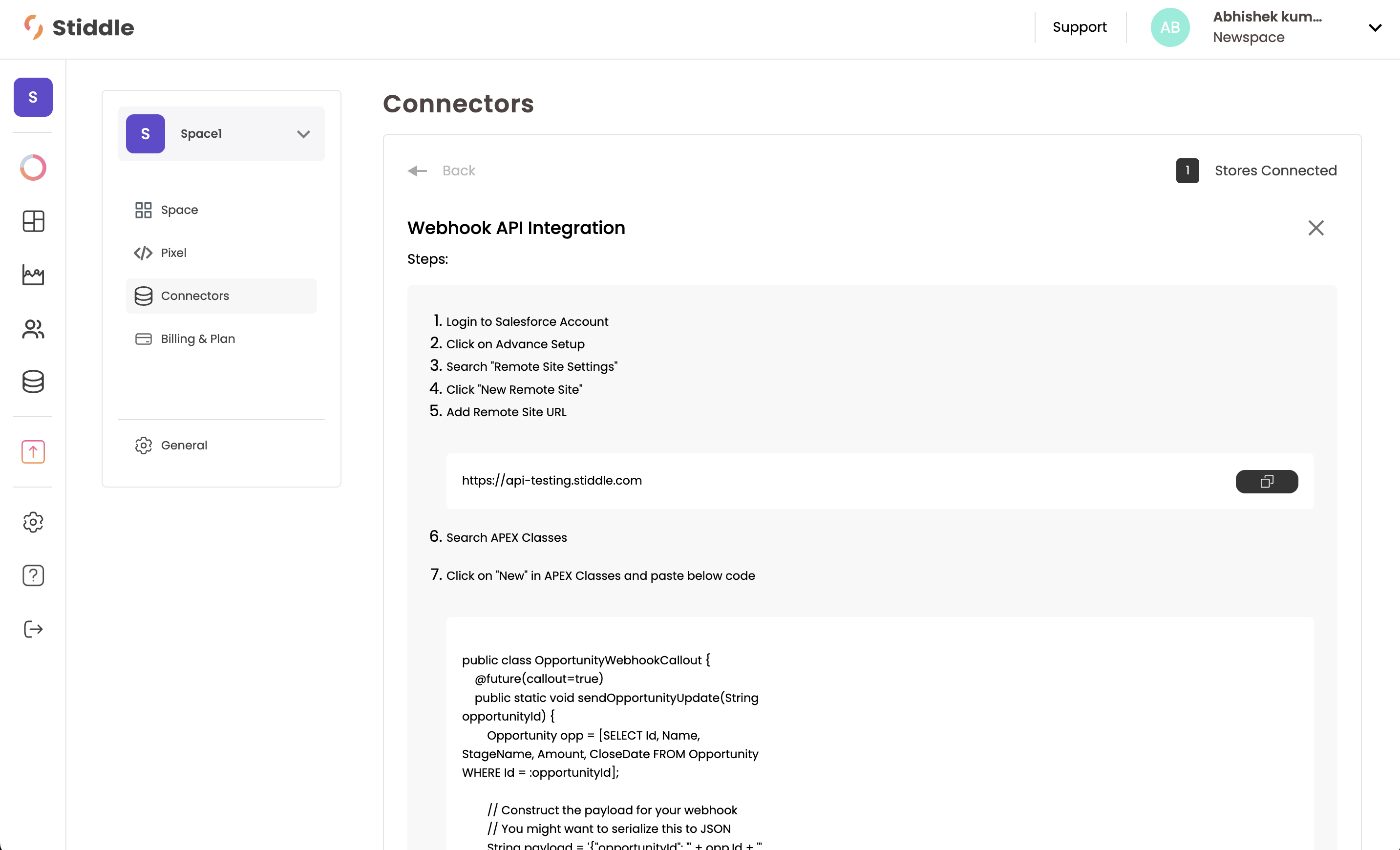
Screenshot2025 12 23at5 23 19PM Webhook API
This is optional but recommended for real-time data syncing. By default, Stiddle syncs Salesforce data every 24 hours to keep insights up to date. Enabling the webhook allows data updates to sync instantly.
Screenshot2025 12 23at5 22 57PM Re-Sync Data
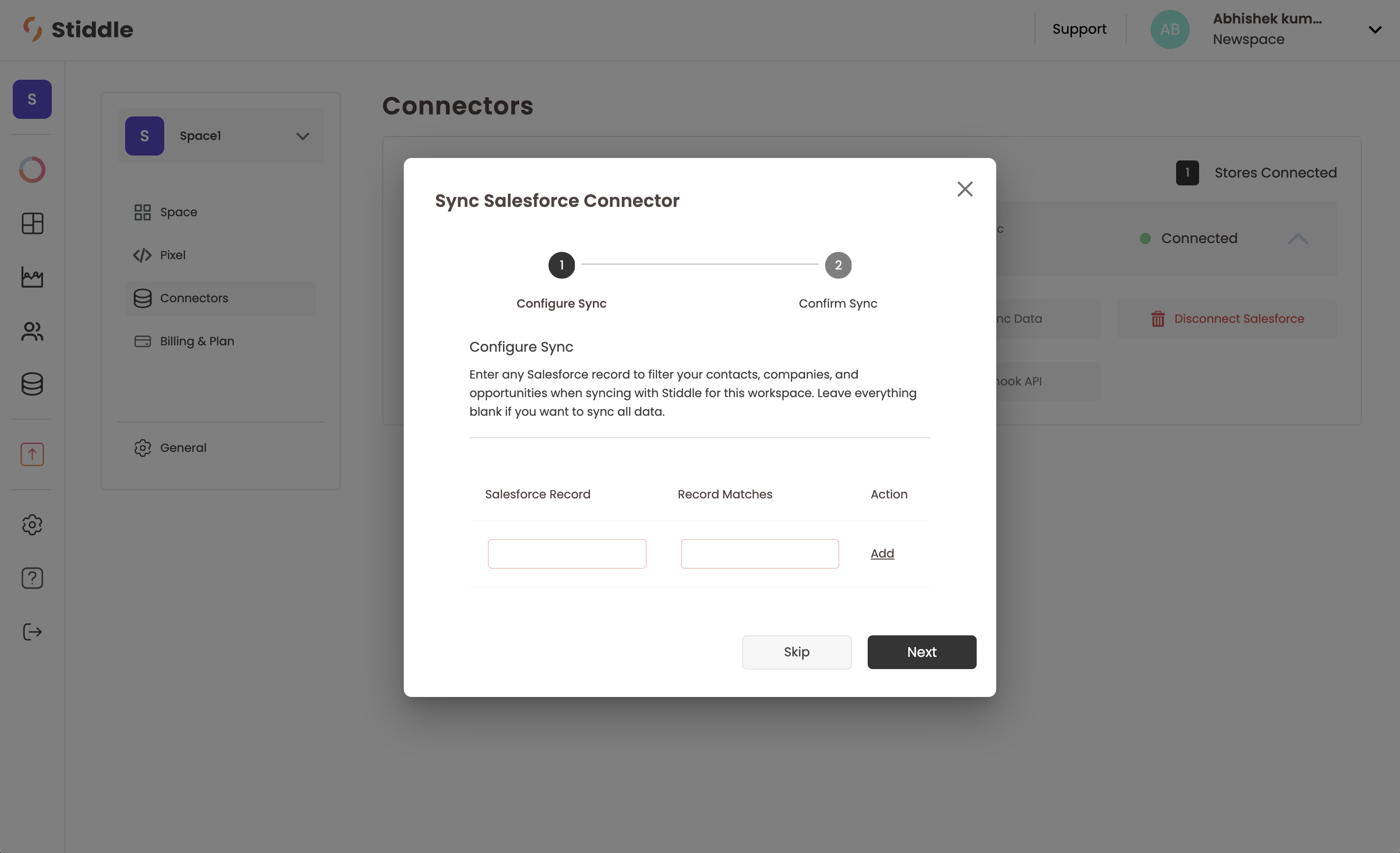
Stiddle automatically re-syncs Salesforce data every 24 hours. However, you can manually trigger a full re-sync using the Re-sync button. This will perform a hard re-sync of all historical data, including Opportunities, Profiles, and Companies.

We recommend running this sync when connecting Salesforce to Stiddle for the first time. Using it frequently may cause temporary data delays, as the entire dataset is reprocessed.

Additionally, Stiddle allows you to limit syncing to Salesforce records that match specific criteria if defined before syncing. This is especially useful if you use a single Salesforce instance for multiple stores or companies and segment them using custom records.
Screenshot2025 12 23at5 22 30PM Disconnect Salesforce
Completely disconnect Salesforce from Stiddle.
Nickname Instance
Assign a shorter, internal name to the Salesforce instance for easier identification within Stiddle.

Creating CRM Stage Conversion Goals (for Attribution)

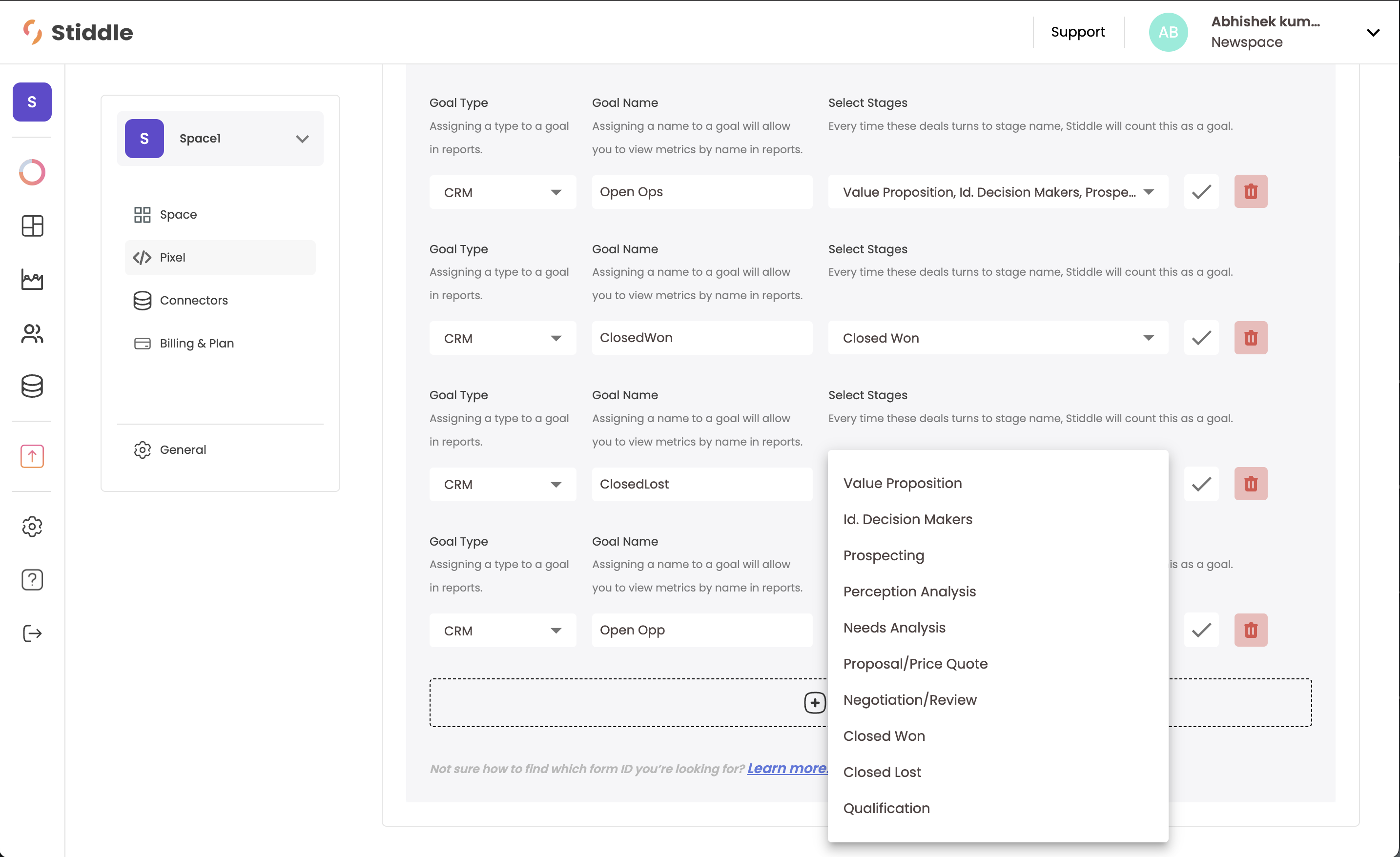
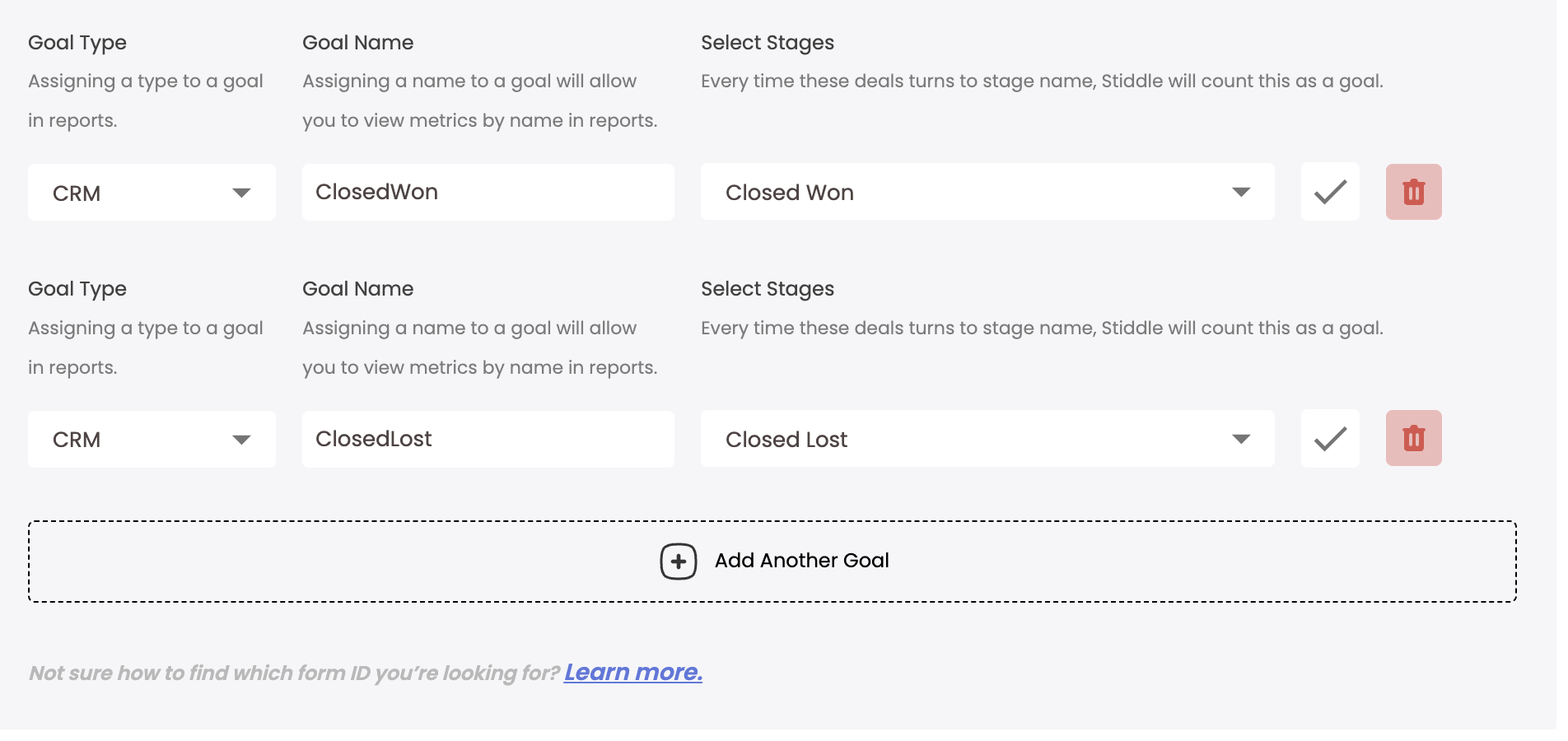
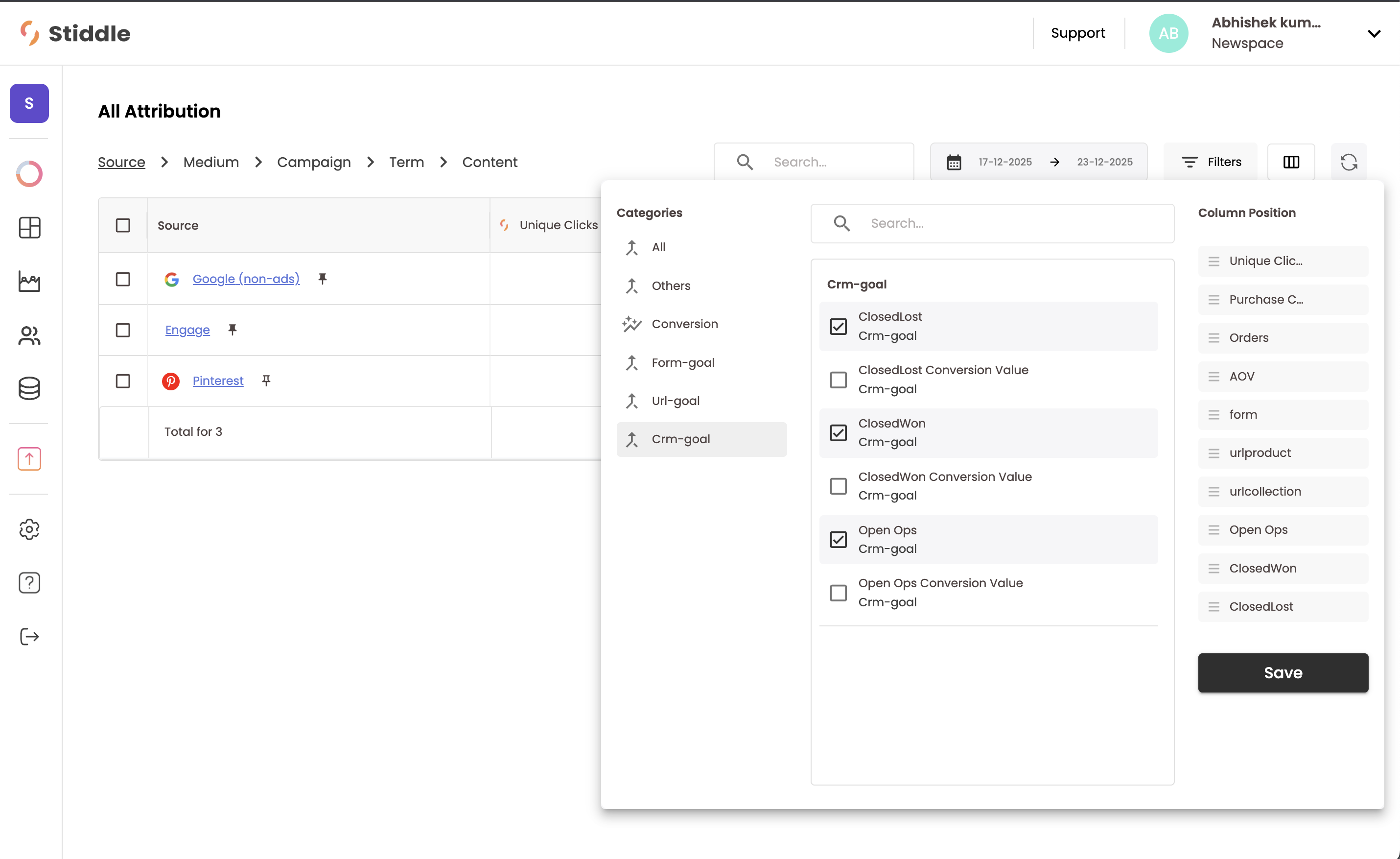
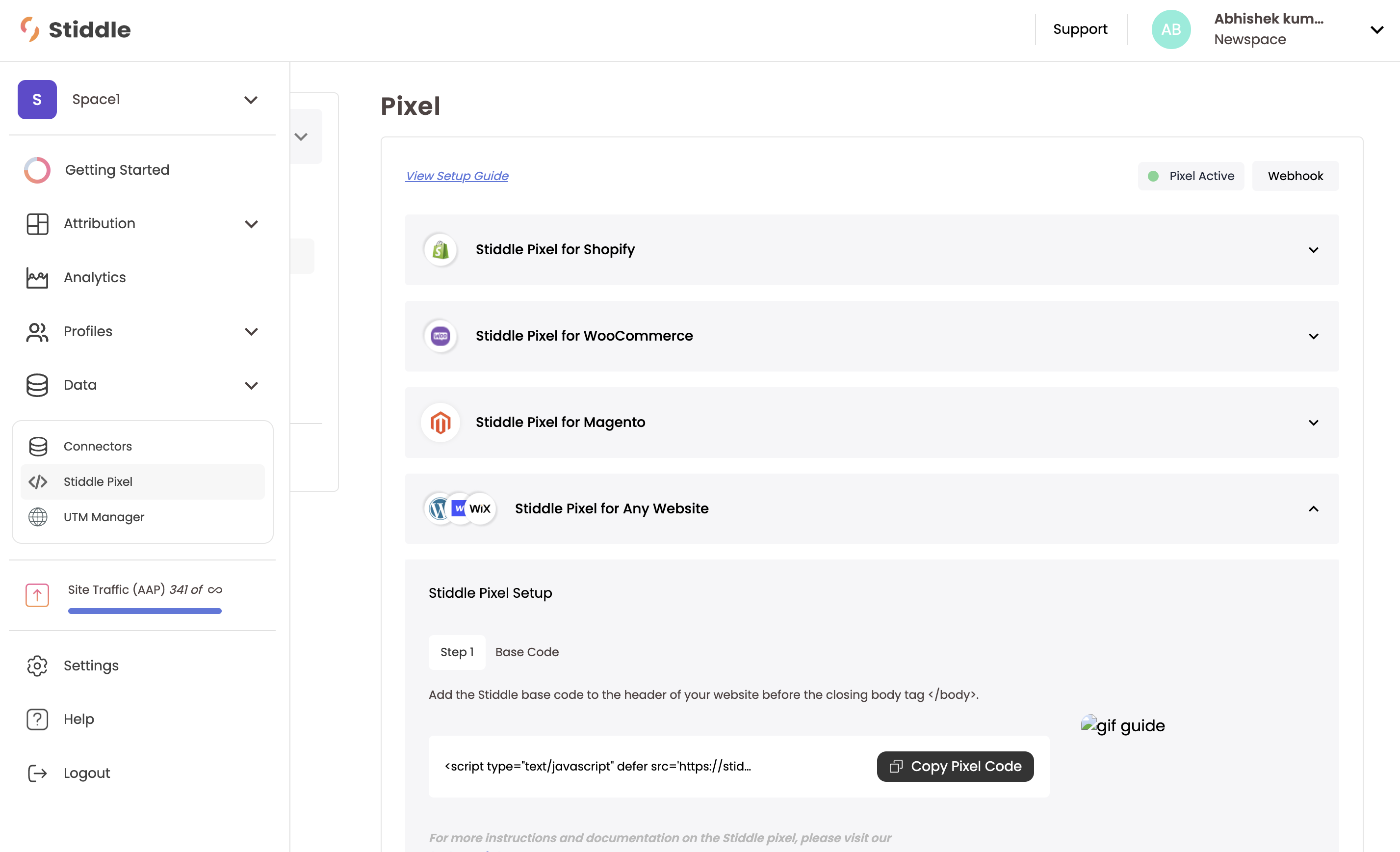
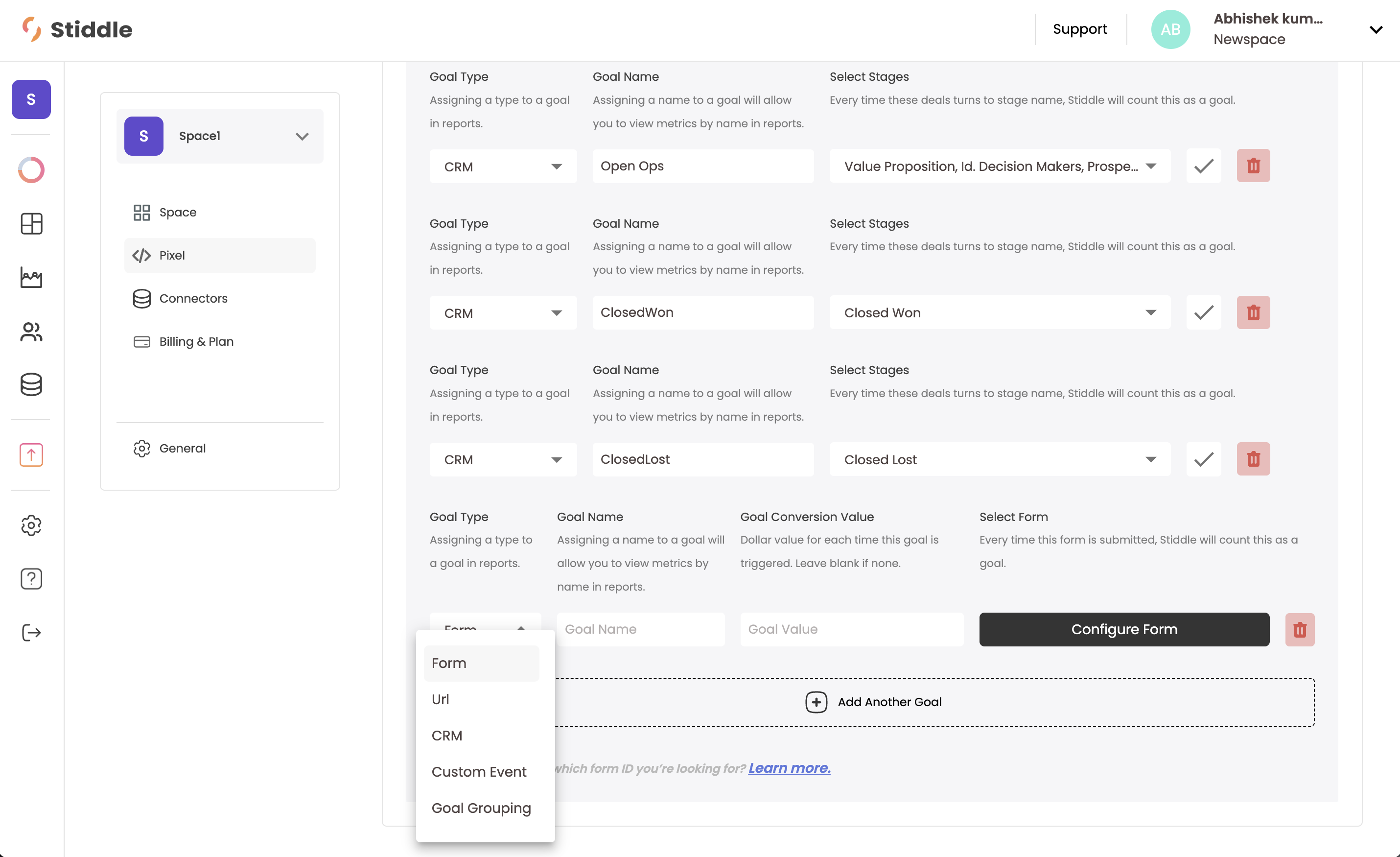
After Salesforce is connected to Stiddle and data has begun syncing, you’ll need to define a few new conversion goals within Stiddle for you to use for attribution and analytics reports. To do so, navigate to the left menu, hover over “Data”, and select “Stiddle Pixel”. Then select “Stiddle Pixel for Any Website”. Screenshot2025 12 23at5 27 13PM Scroll down, you’ll see a button to “Add another goal”. Click this button. Then select the “Goal Type” to equal “CRM”. Screenshot2025 12 23at5 28 34PM You can then give the Goal a name, then select the Oppurtunity stages that you want to include. For example, we’ll create an “Open Opp” goal and select all the stages before “Closed Won” or “Closed Lost”. This helps us track the journey of an oppurtunity that’s open but not yet won or lost. We can also do the same to create a “Closed Won” and “Closed Lost” oppurtunity. Screenshot2025 12 23at5 29 27PM Screenshot2025 12 23at5 35 42PM Every goal you create will track the revenue attached to the oppurtunity in Salesforce and count the total for each stage. This data is used in attribution and reporting. Every goal in Stiddle, including CRM goals, have four metrics created by default:
  • Total Goals
  • Cost Per Goal
  • Goal Conversion Value (revenue)
  • Goal ROAS
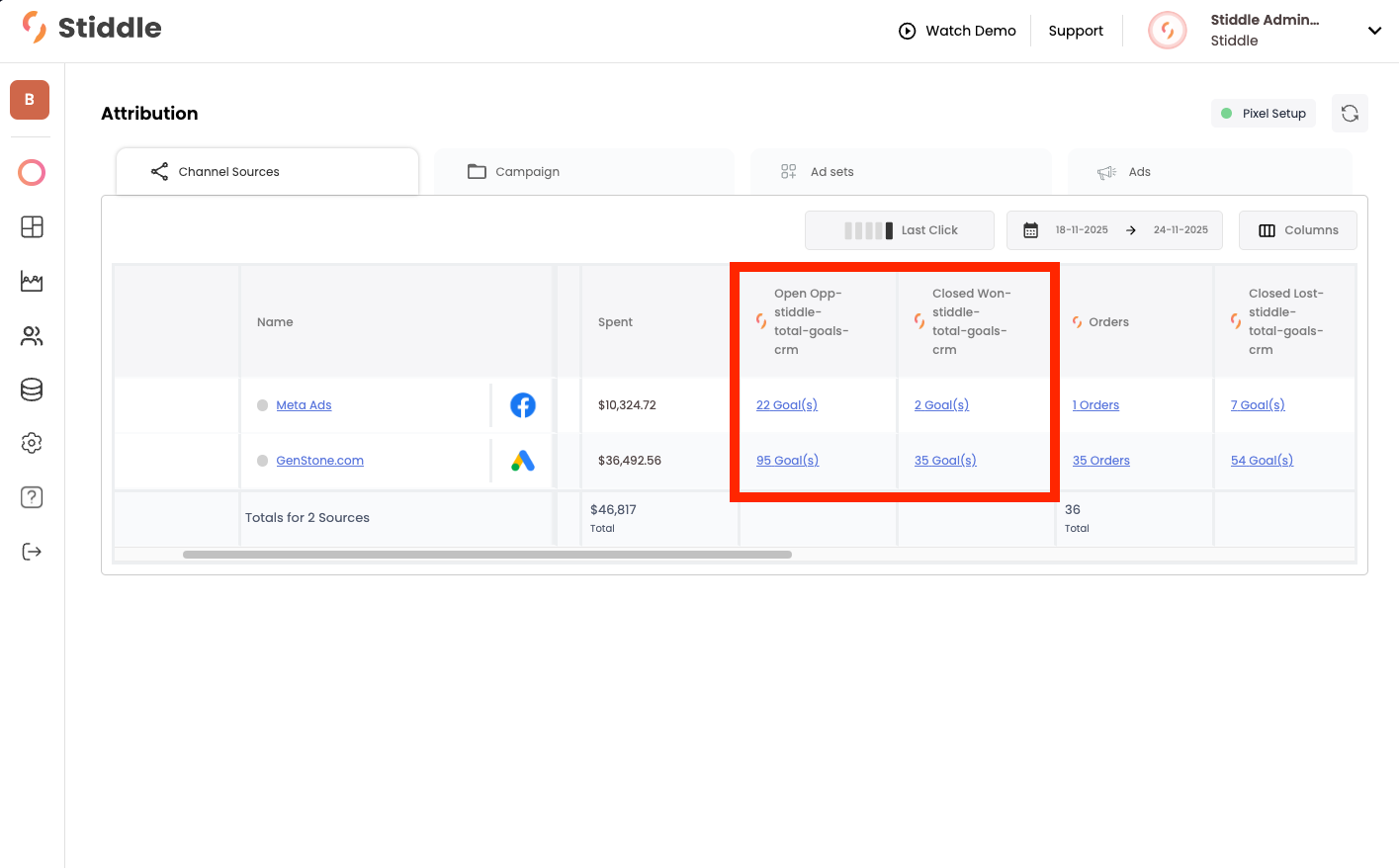
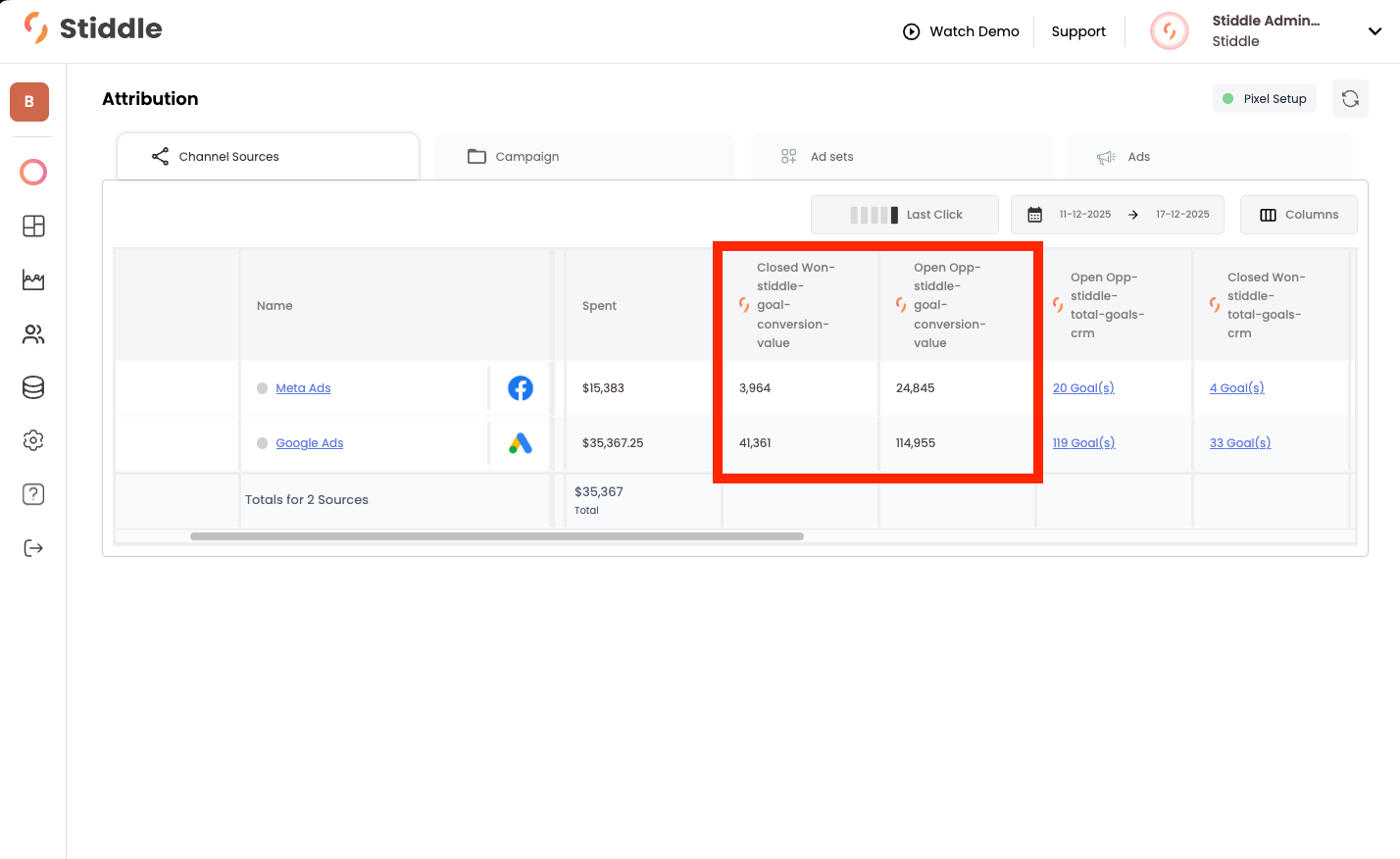
You can see these goal metrics within the Attribution Table, dashboards, and reports. See an example below: Screenshot2025 12 23at5 34 56PM

Salesforce Stiddle Features

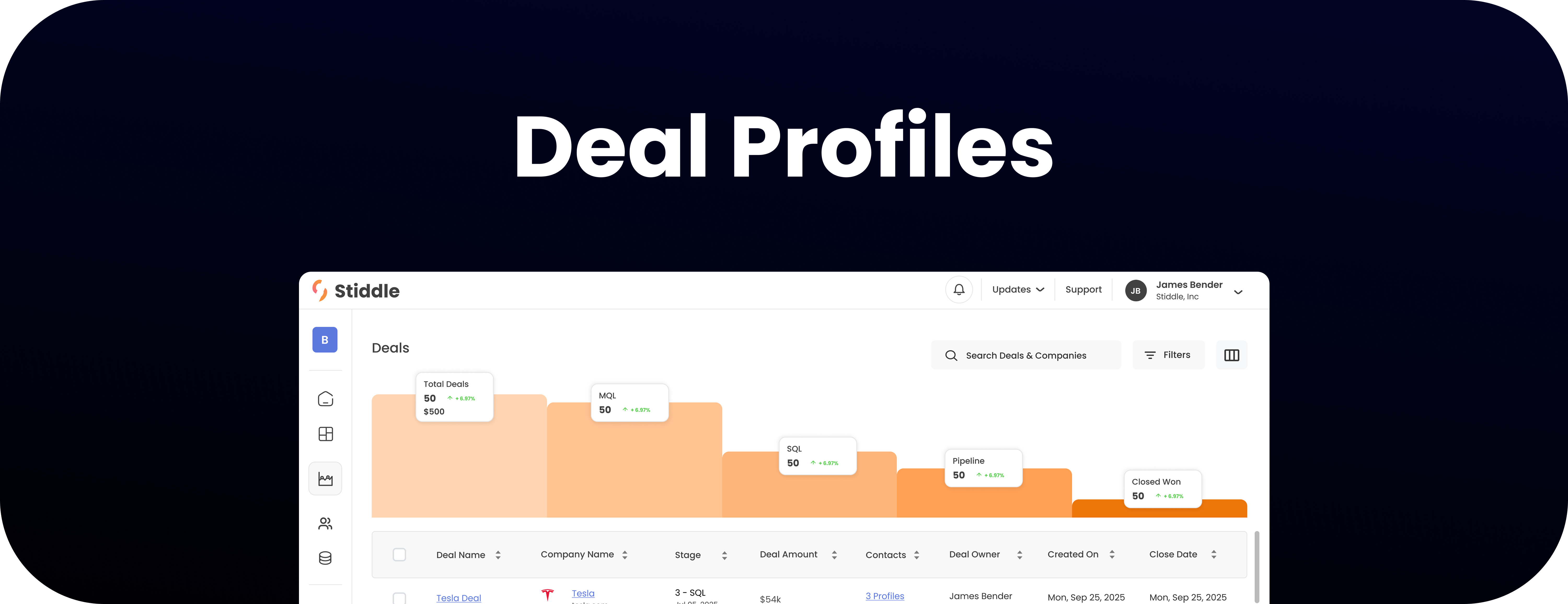
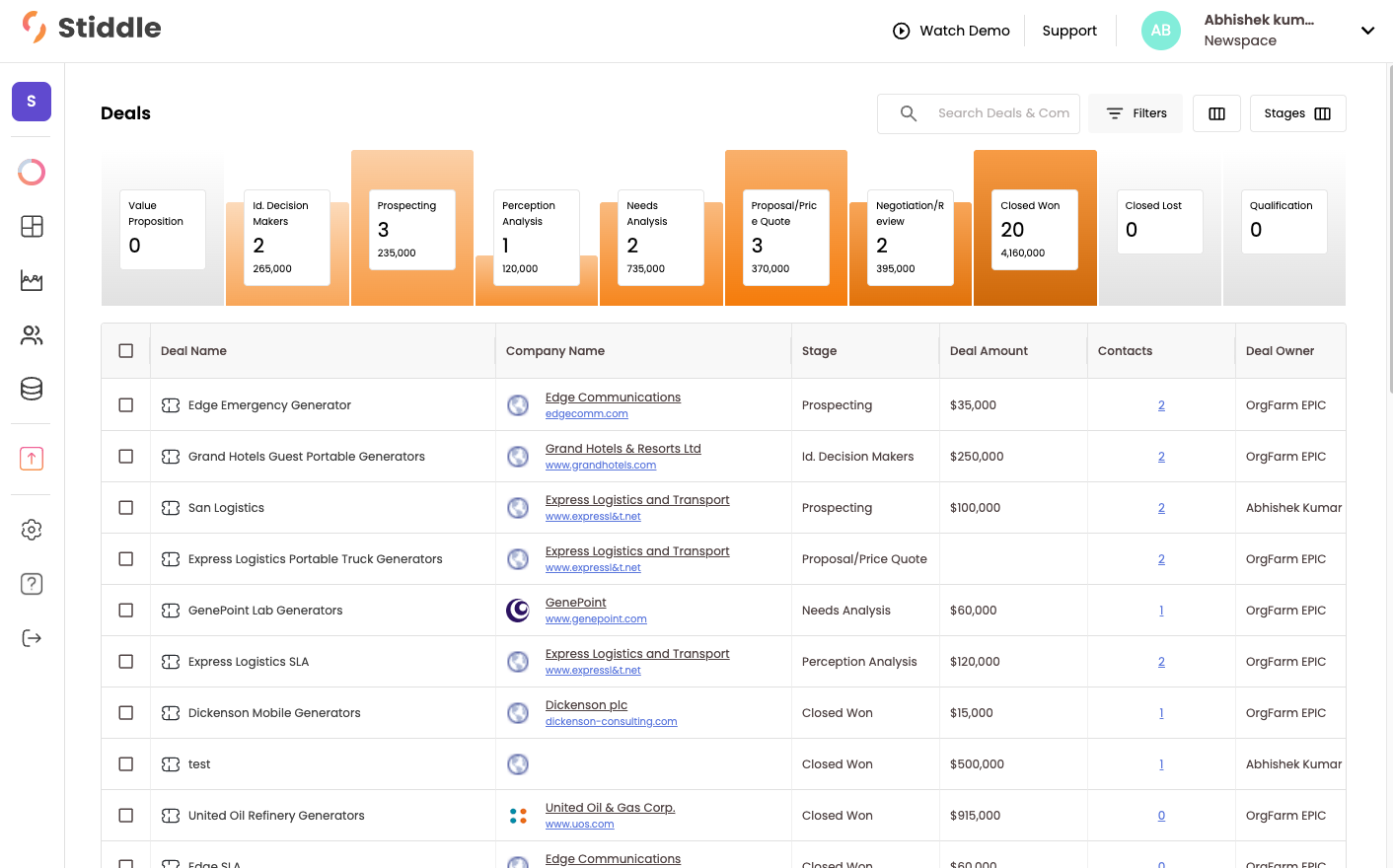
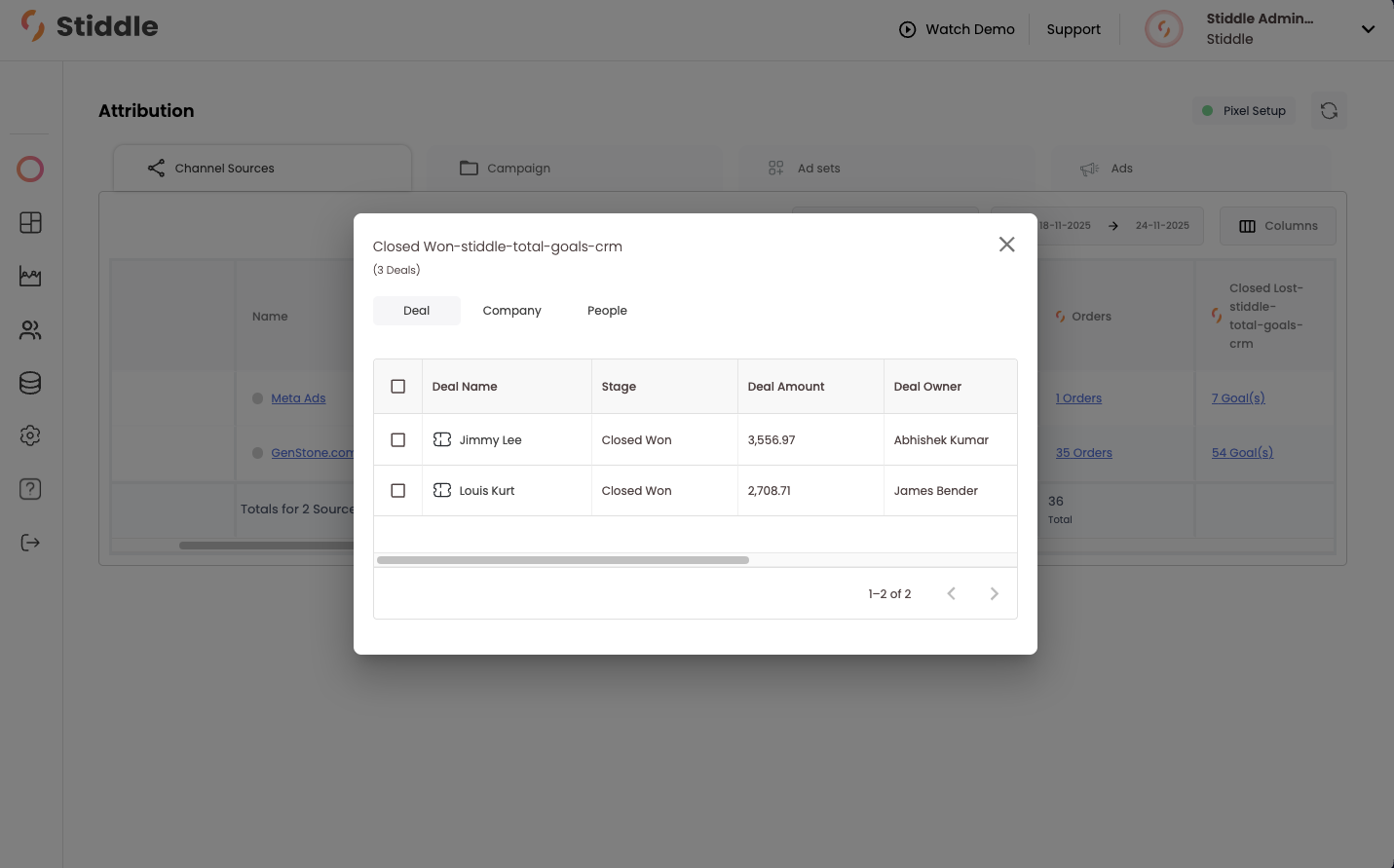
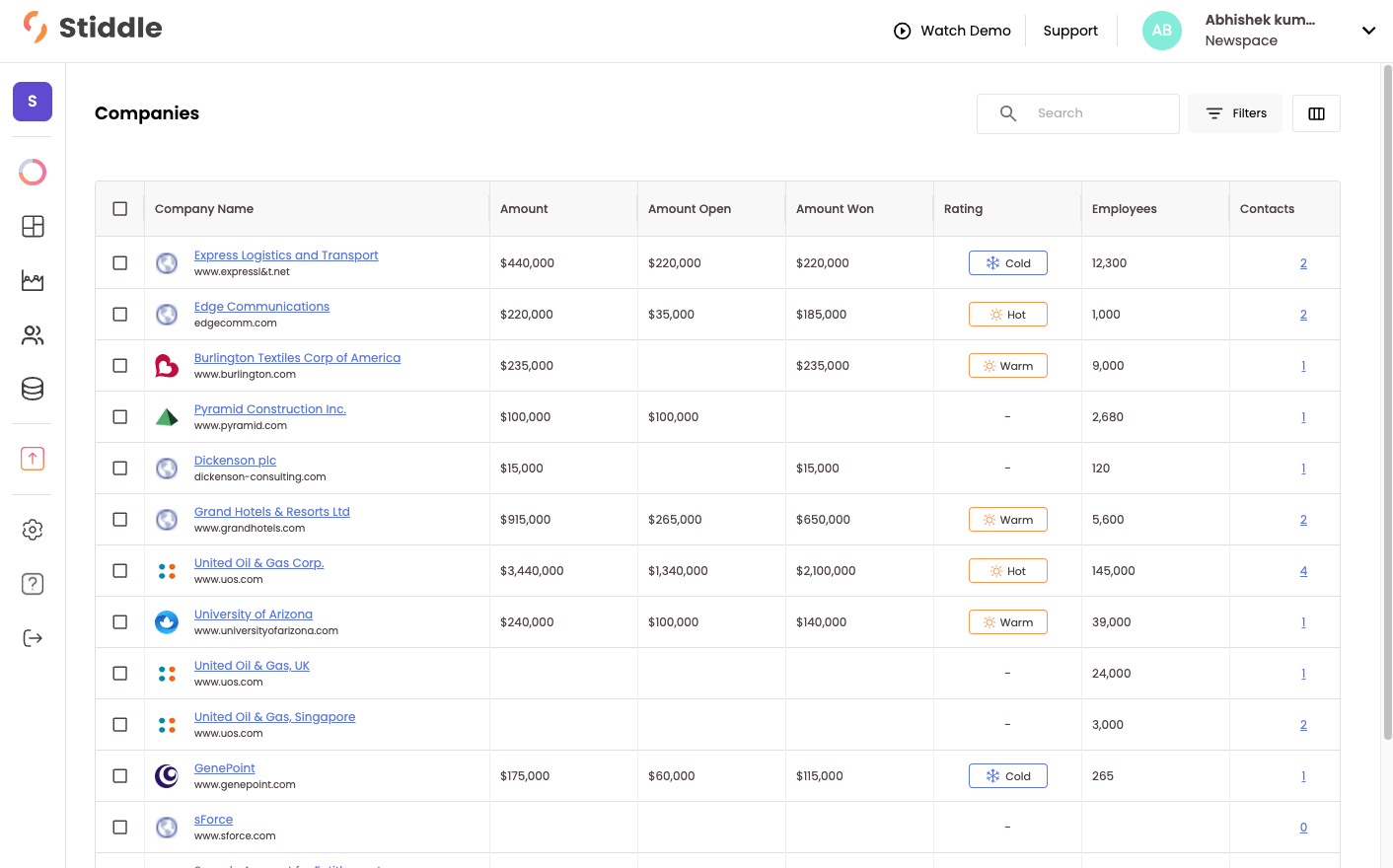
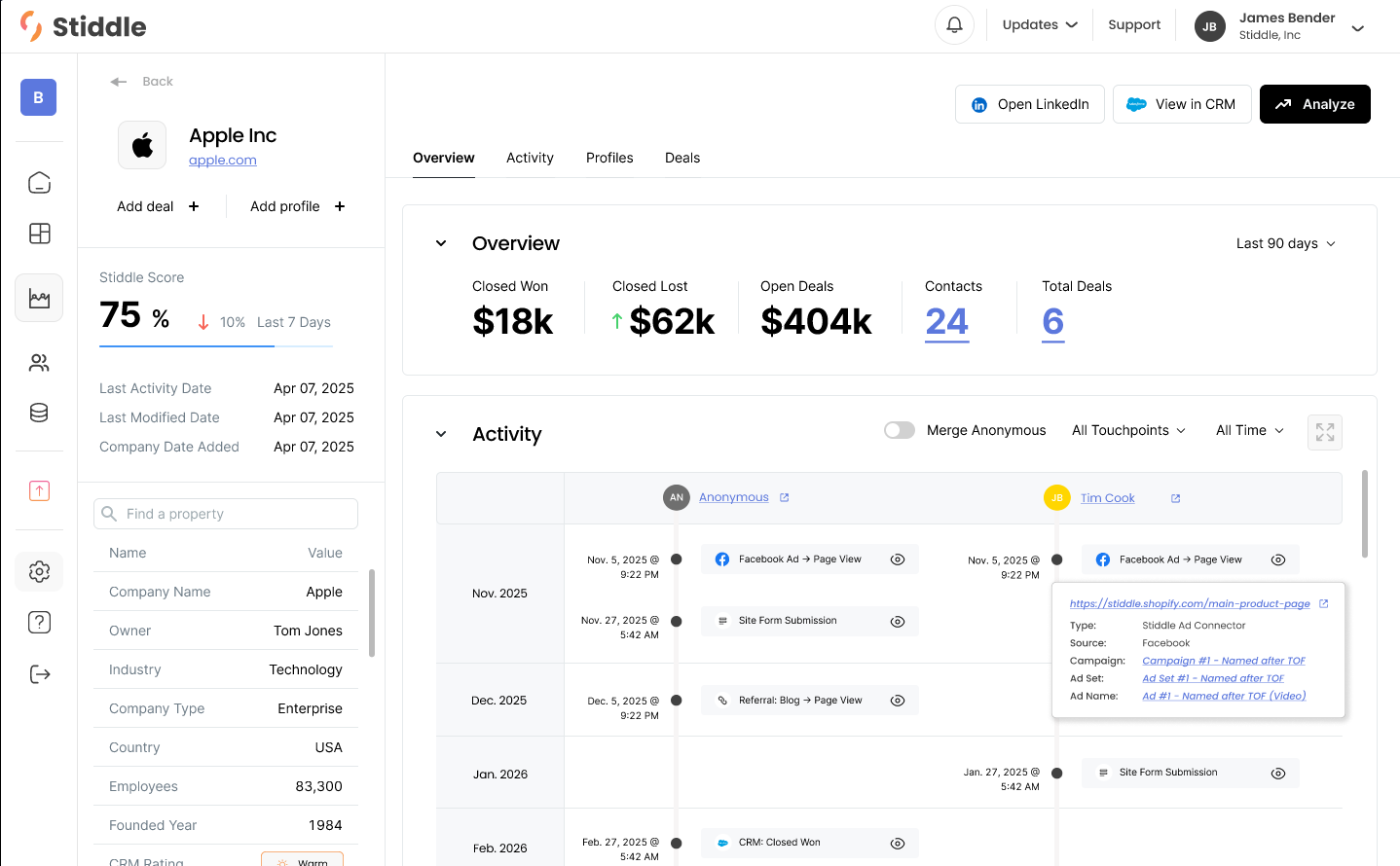
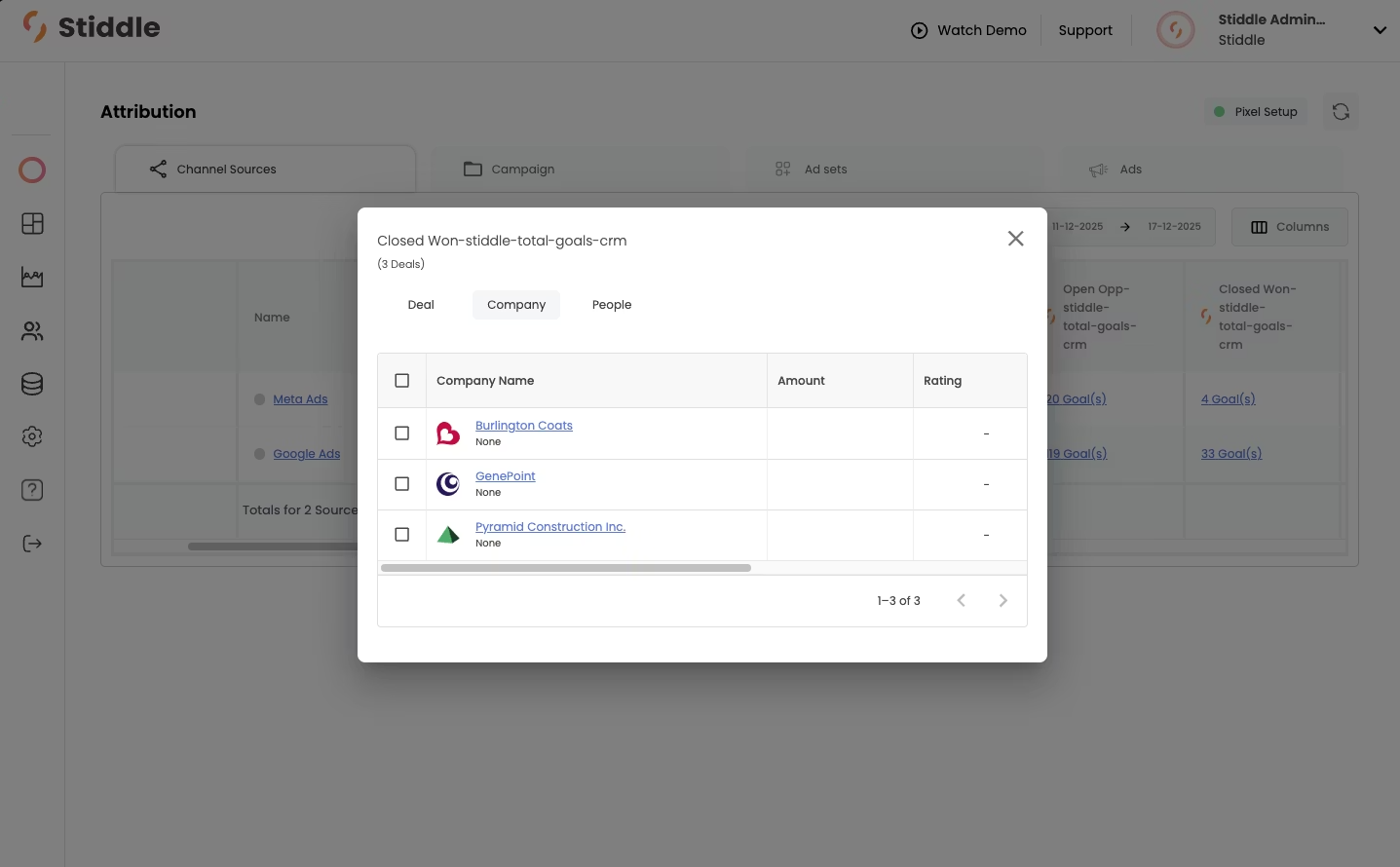
Now that Salesforce is connected to Stiddle, you’ll notice a few new features become available in your Stiddle account. Let’s review a few below. Dealprofilecover Deal profiles allow you to sync your CRM data from platforms like Salesforce and HubSpot to Stiddle. Stiddle will sync all of your historical customers, contacts, opportunities, and companies. You can think of opportunities and deals as the same thing. With deal profiles, Stiddle gives you the ability to attribute not only at the person or company level, but also at the deal level. This is very valuable for understanding the impact that a marketing team and individual channels have on generating leads that ultimately convert into sales through your CRM. Deal2 There are several ways to view deal data in Stiddle. Let’s take a look at the attribution table to understand conversions. In real time, Stiddle syncs the conversion value and stage of each opportunity from your CRM and uses this data in attribution to calculate metrics such as profitability, revenue, conversion value, and cost per closed won deal. You also get very useful metrics like Open Opportunities, which shows how many deals are actively open in a stage other than Closed Won that originated from a specific channel. For example: Meta = 100 Open Opportunities, Google = 50 Open Opportunities. Deals1 You can also track closed opportunities, such as Closed Won and Closed Lost. This allows Stiddle to show the revenue generated from a specific deal stage, broken down by channel or campaign. In this example, you’ll see that Stiddle captured just under $42,000 in Closed Won opportunities that Google is responsible for generating, and just under $4,000 from Meta. Most importantly, you can also see the Open Opportunities column, which shows that both channels are promising in generating future conversions. In total, there is just under $150,000 in open pipeline generated by Google and Meta. Deal At any time, you can easily select the number of conversions in the table to see which deals, companies, and people have been attributed to that channel. You can also understand which rep was responsible for closing the deal and which channel generated the lead. In the example below, Meta was responsible for generating the lead, and Abhishek was the sales rep who closed the deal. For a deeper dive into the customer’s journey, you can select their profile. Deal Companyprofilecover Company profiles allow Stiddle to group people and deals related to a company. This data is often synced from a CRM, such as Salesforce or HubSpot. Once synced, Stiddle retroactively merges people profiles with any company or opportunity data from the CRM. Let’s take a look at the Companies page. Below, you’ll see all companies listed in a table, along with metrics that Stiddle has calculated from deals. Companies3 Stiddle can use company profiles for attribution, allowing you to understand which channels are responsible for generating company leads. People Profiles are grouped within the company profile, meaning you can see all people associated with a company and their entire journey in one view. For example, below you’ll see an overview of the company data on the left, attributed KPIs in the middle, and just below that, a timeline of activity for each person related to this company who has shown interest or has interacted with the company. Company1 There are many ways to access company data within Stiddle—through attribution tables, profiles, and analytics. You can also view company attribution at the channel level. Let’s take a look at the attribution table to understand which channels are generating the most deals, broken down by company. Below, we can see that there are three companies marked as “Closed Won” that have been attributed to Meta Ads. For a deeper breakdown of each company, you can select one to view its details. Company4